How to Customize Your Cursor in CSS
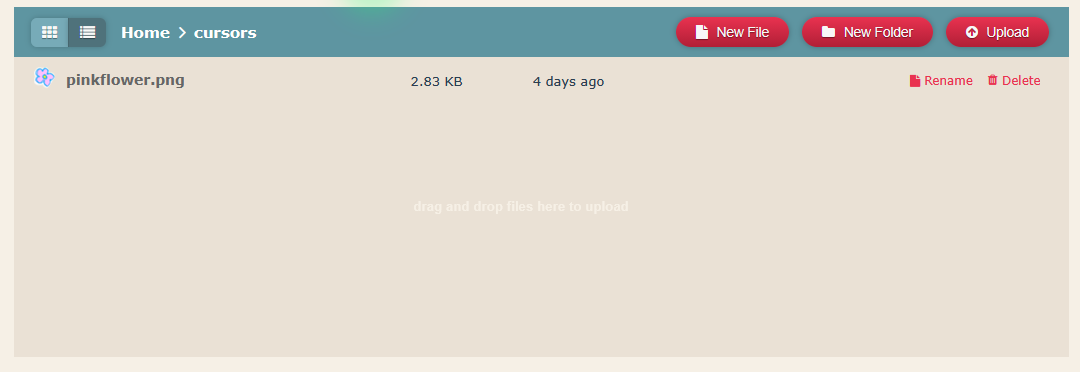
- Add an image file (.png or .jpg) to your directory. Make sure your image file is 32 x 32px (pixels), otherwise it may not work.
- Within the body tags in your .css document, add the following line to define your file reference for your cursor:

- SAVE your .css file and refresh your page to see if it's working!
- Troubleshooting: If you do not see your cursor, first try Hard Refreshing your webpage (CTRL + SHIFT + R). If you still do not see it, make sure your folder paths and file names match up to EXACTLY to what you have typed in your code. Check for any spelling errors, as this is often the culprit.
You can download custom cursor packages from this site: sweezy-cursors.com
Make sure you download your cursors as .png or .jpg files! Neocities will not allow you to import a .cur file (a cursor file).